Case 08 / 08
ConceptLogistics OS
Courier operations on one platform, from booking to cash.
- Year
- 2026
- Type
- Courier operations platform
- Disciplines
- Product design, Full stack engineering, Automation
- Stack
- Next.js, React, TypeScript, Tailwind CSS
01 · Gallery
The build, screen by screen.
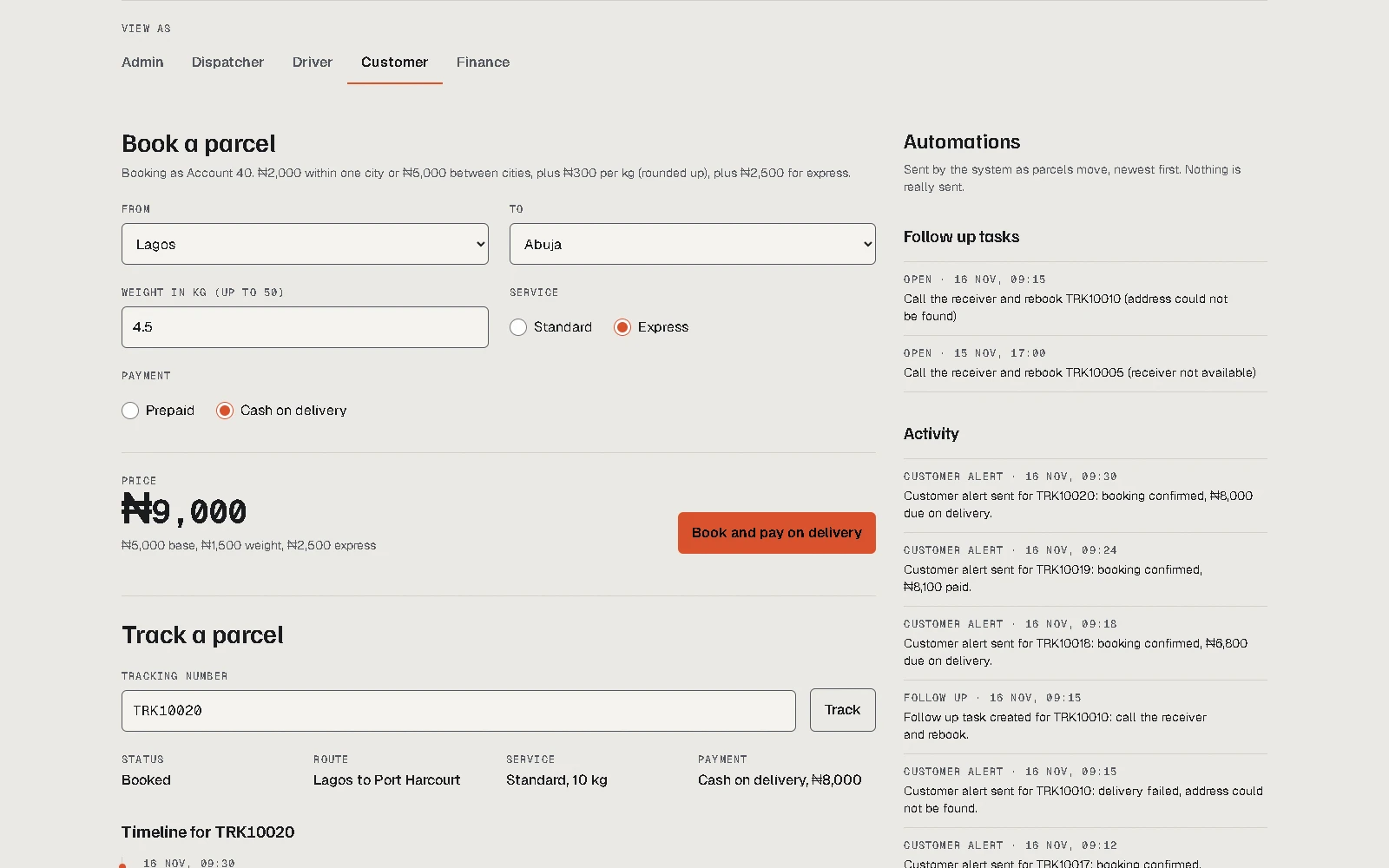
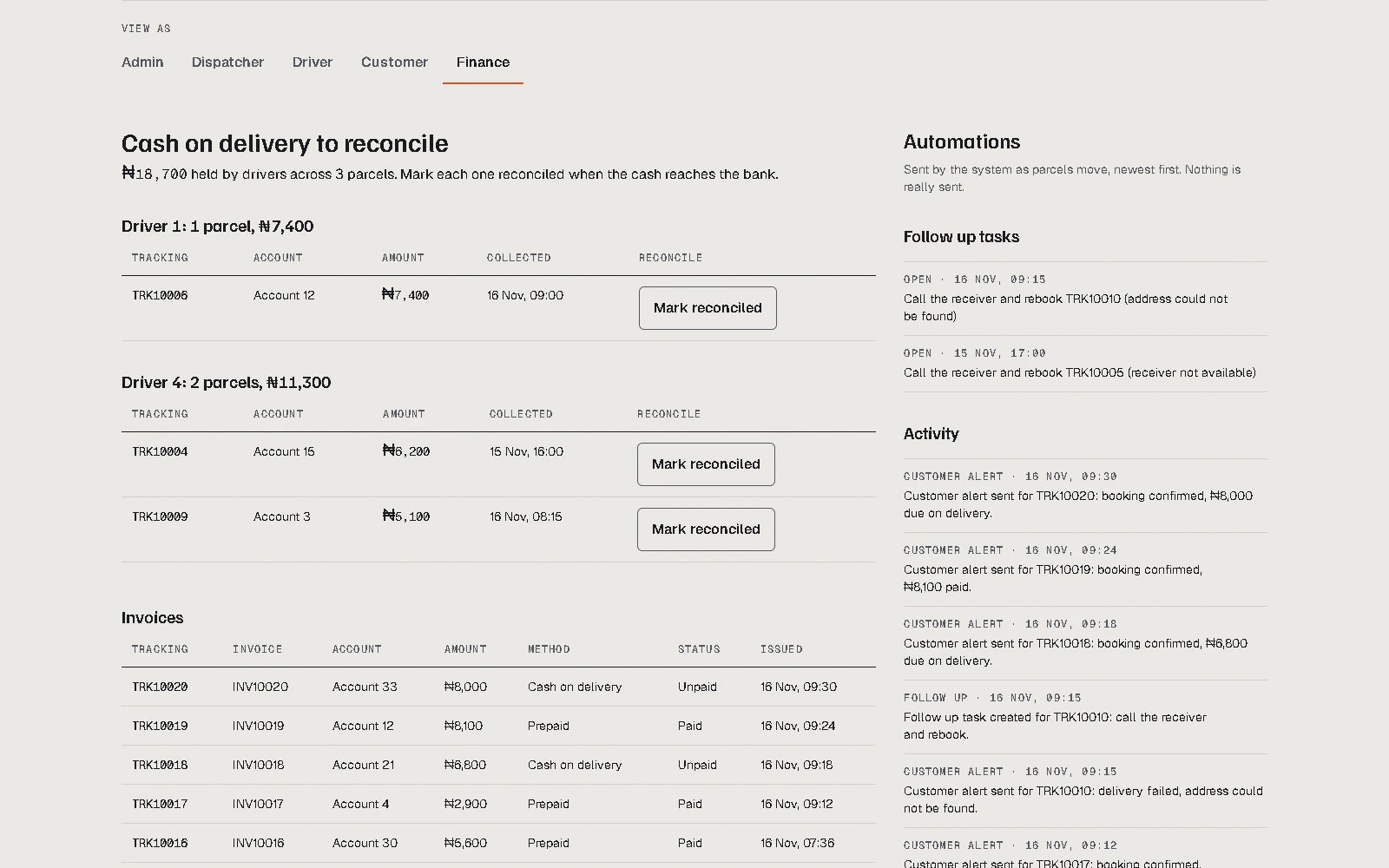
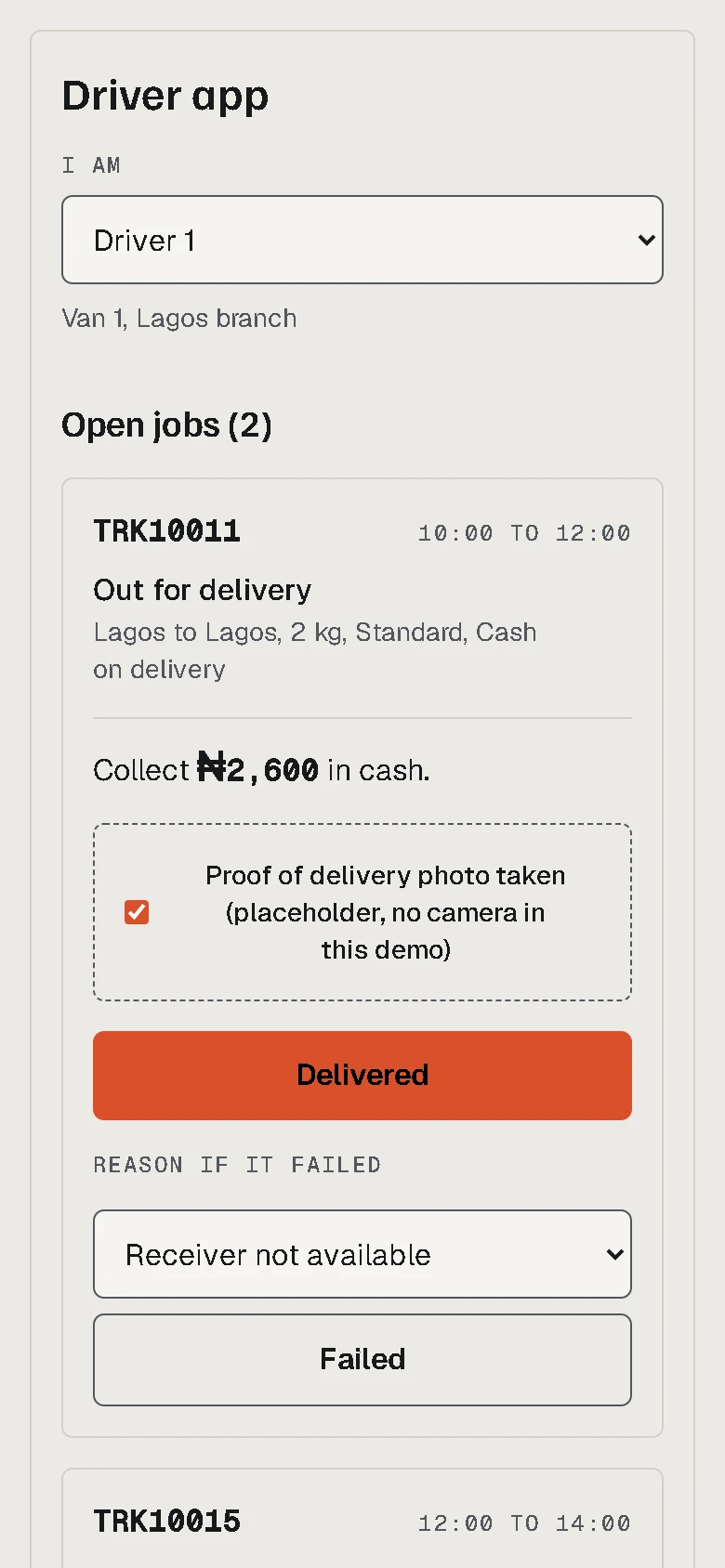
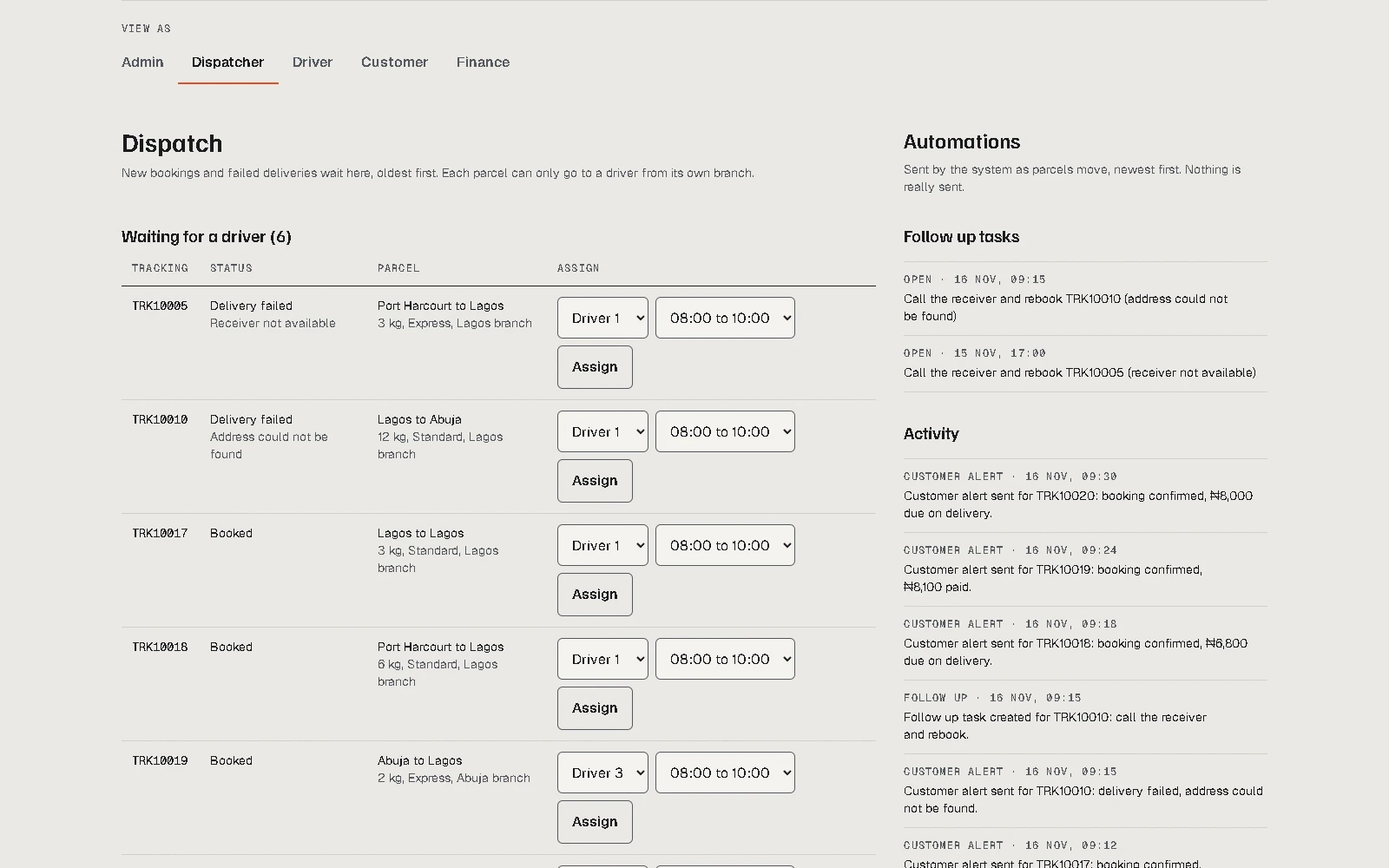
Use the arrows, swipe or drag.
02 · Objective
What it had to do.
Bookings, dispatch, drivers, vehicles and cash on delivery usually live in separate tools and phone calls. We put them on one record.
03 · Approach
How we went about it.
One record for every shipment
Prices set by rules, not calls
Every status change tells someone
Try every role in the demo
04 · Features
What we built.
- Five roles, five views
- Admin, dispatcher, driver, customer and finance: each sees their part.
- A phone friendly driver screen
- Stops in order, failed deliveries and proof of delivery.
- Finance and cash on delivery
- Invoices, payments and driver cash, reconciled at day end.
- Admin dashboard and activity feed
- Customer alerts, follow up tasks and a daily summary, logged.
05 · System
How the parts connect.
- Layers
- 01Build
- 02Intelligence
- 03Growth
- Parts
- Surface: What people touch
- Engine: The logic and AI that does the work
- Store: Where data lives
- Person: Who approves
- Lines
- Data moves between these parts
- Build layer
- Customer
- Dispatcher
- Driver
- Finance
- Admin
- Booking
- Dispatch screen
- Driver screen
- Fleet
- Finance screen
- Admin dashboard
- Intelligence layer
- Pricing
- Dispatch
- Shipment record
- Notifications
- Reconciliation
- Activity feed
- Growth layer
- Tracking page
- Connections
- Customer connects to Booking
- Booking connects to Pricing
- Pricing connects to Shipment record
- Dispatcher connects to Dispatch screen
- Dispatch screen connects to Dispatch
- Dispatch connects to Shipment record
- Driver connects to Driver screen
- Driver screen connects to Shipment record
- Admin connects to Fleet
- Fleet connects to Dispatch
- Finance connects to Finance screen
- Finance screen connects to Reconciliation
- Reconciliation connects to Shipment record
- Shipment record connects to Notifications
- Notifications connects to Activity feed
- Notifications connects to Tracking page
- Customer connects to Tracking page
- Activity feed connects to Admin dashboard
- Admin connects to Admin dashboard
06 · Build plan
How we would build it.
A kickoff, then a milestone each week that ends in something you can click. Under each one are the demo screens it delivers. The real plan follows the scope we agree at kickoff.
- Kickoff
Requirements and scope
We agree the requirements, the scope and the plan, and who signs off each milestone.
- Week 1
Accounts and roles
Sign in, the five user roles and what each may see, and a first dashboard to land on.
- Role switcher
- Week 2
Customers and booking
Customer accounts and branches, then a booking flow that gives every shipment its tracking number.
- Booking screen
- Week 3
Pricing and dispatch
Pricing rules and pickup scheduling, then the screen where dispatchers assign drivers.
- Dispatch screen
- Week 4
The driver's day
The screen drivers use on the road: status updates, failed deliveries with a reason, and proof of delivery.
- Driver screen
- Week 5
Fleet
Vehicles, their maintenance schedules, fuel logs and running costs.
- Fleet screen
- Week 6
Money in
Invoices, payment records and the daily cash on delivery reconciliation.
- Finance screen
- Week 7
Tracking and reports
The customer tracking page, notifications, dashboards and financial reports.
- Tracking page
- Activity feed
- Admin dashboard
- Week 8
Launch and handover
Testing and fixes, going live, then documentation and a handover to your team.
07 · Craft & performance
The details underneath.
- Sample data, in the browser
- Tested pricing and reconciliation logic
- Driver screen sized for one hand
- No sign in, no install
08 · Results
Where it stands.
Studio concept: no client results.
Built to show what one shared record changes for a courier team, from booking desk to doorstep.
Credits: the team.
Next project
HuzuriAI SaaS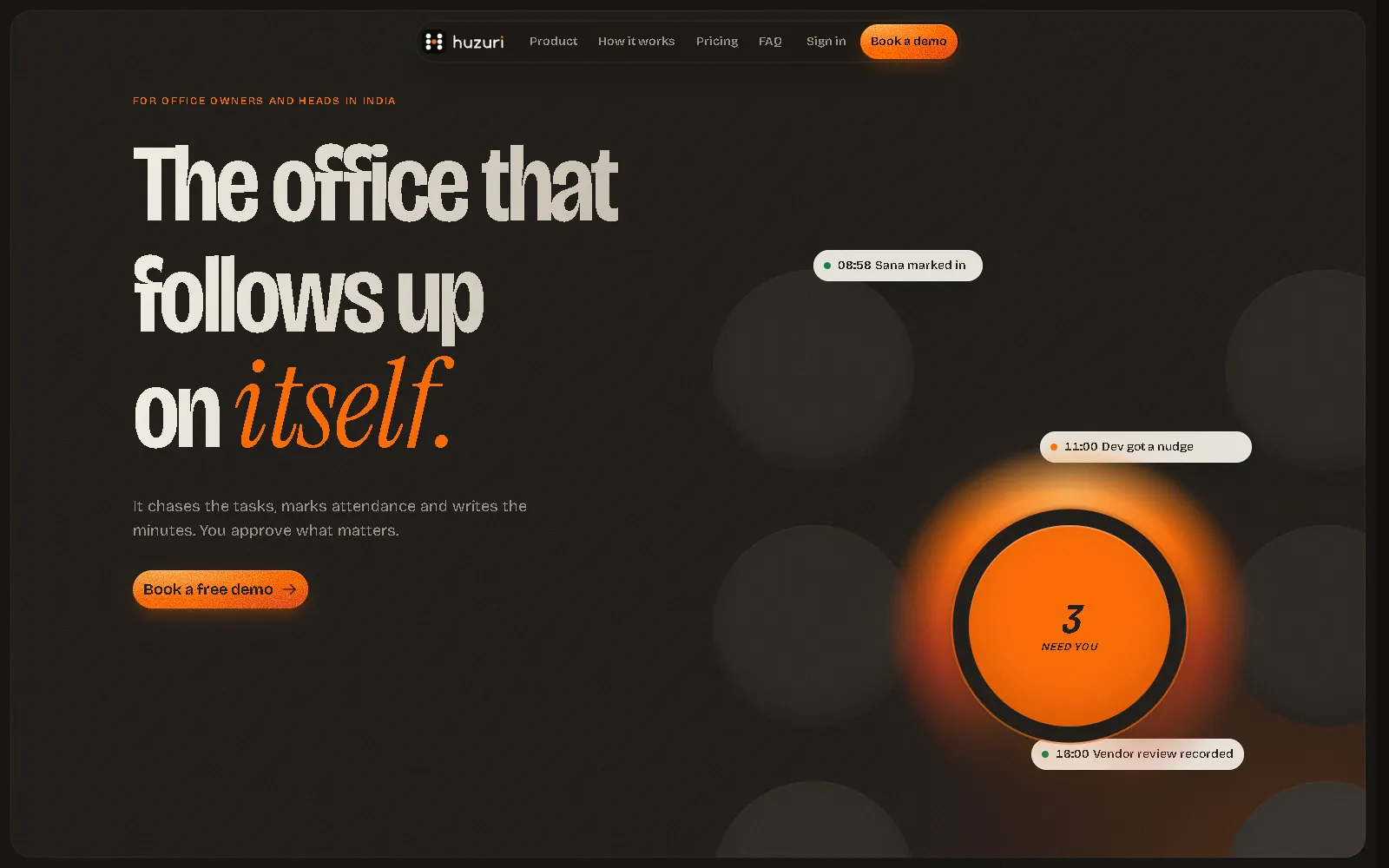
Want a system built like this?
Answer a few short questions. We reply within one working day.